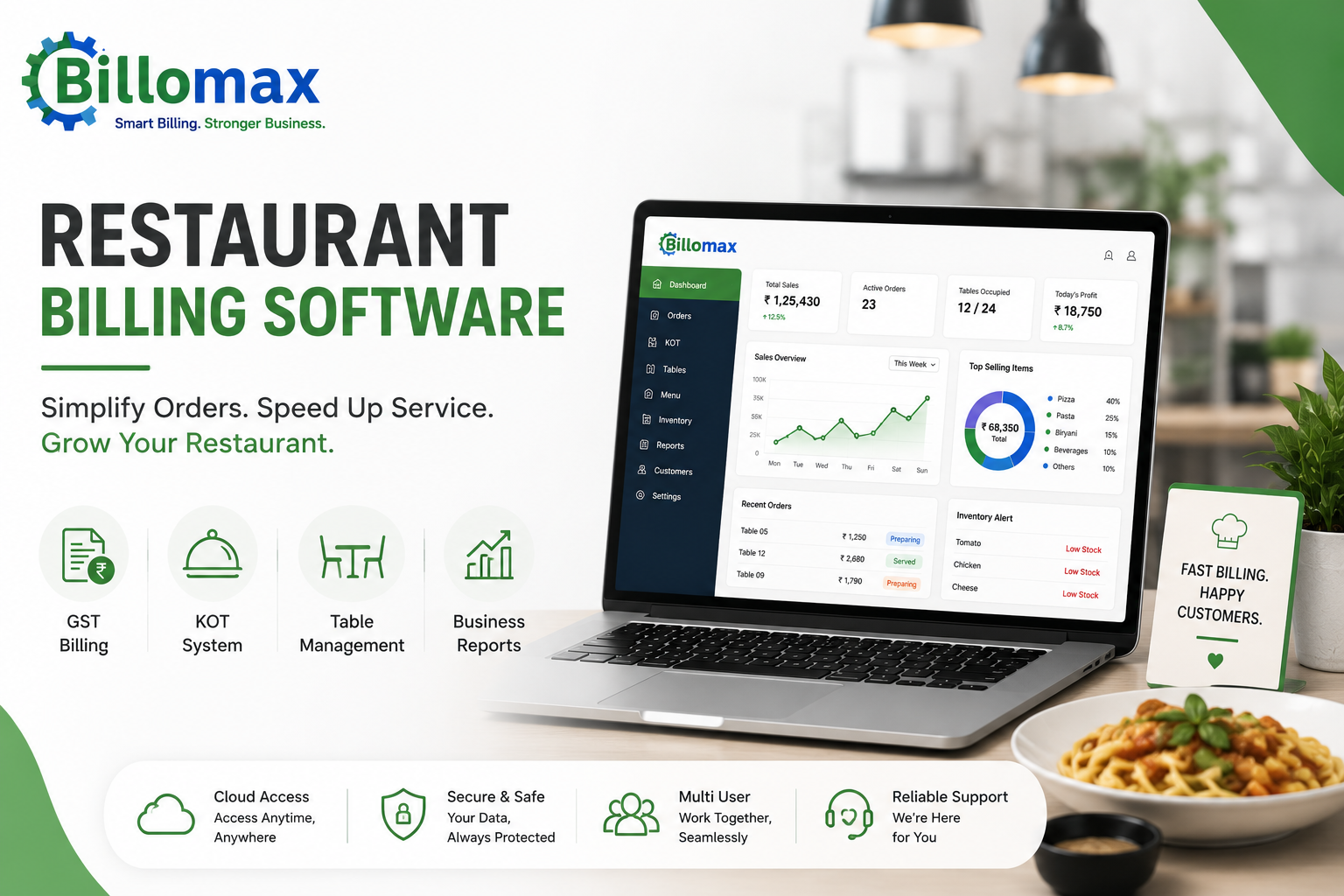
Restaurant Billing Software: 7 Features That Matter
A delayed bill at table nine costs you the next booking. During a full dinner service, the gap between an order reaching the kitchen and a settled bill decides how many covers you turn.
Restaurant billing software closes that gap. It ties the waiter’s tab, the kitchen ticket, the tax invoice and your stock count to a single record.
What Does Restaurant Billing Software Actually Handle?
Restaurant billing software runs table orders, kitchen tickets, split bills, tax invoices and stock deduction from one order record. A single entry at the table updates the kitchen screen, the running bill and your inventory at the same moment.
• Order capture at the table, on a tablet or a handheld
• Kitchen order ticket routed to the right station
• Running tab per table, editable until settlement
• Recipe-level stock deduction on each sale
• Tax invoice with your GSTIN, on thermal or A4
• Shift and day-end reports
The same principle runs through the core billing and inventory modules, where purchase, stock and accounting read from one ledger instead of three.
How Does A KOT System Move An Order From Table To Kitchen?
A KOT system for restaurants prints or displays a kitchen order ticket the moment a waiter confirms an item. The ticket carries table number, course, quantity and any modifier, so cooking starts before the waiter reaches the counter.
• Tandoor items to the tandoor screen, curries to the main range
• Course timing held back so starters do not land with mains
• Modifiers carried through, such as no onion or extra spice
• Timestamps on every ticket, so slow items become visible
Timestamps matter more than owners expect. Once restaurant billing software shows a dish averaging nineteen minutes on Friday nights, you can move it off the express menu.
What GST Rules Apply To A Restaurant Bill In India?
Standalone restaurants in India are taxed at 5% on food and beverage service, and cannot claim input tax credit on the purchases behind it. Restaurants inside hotels charging higher room tariffs sit under a different rate, so GST billing for restaurants depends on where you trade.
Alcohol is the common trap. State excise applies to liquor rather than GST, so bar and food bills need separate handling.
Current rates sit on the CBIC tax information portal. Good restaurant billing software applies the right slab per item category and keeps liquor outside the GST calculation automatically.
Our GST and cloud accounting guide covers return preparation if you file in-house.
How Does Table Management Change A Busy Dinner Service?
A floor map shows which tables are seated, which are waiting on food and which are ready to clear. Your host stops walking the floor to check, and the waiting queue moves on real status rather than a guess.
Table transfer. A party moves to a larger table when it frees, and the running tab follows without a reprint.
Table merge. Two tables push together for a group of nine. One bill, one settlement.
Split billing. Six colleagues pay separately, split by item or by head.
Restaurant billing software that cannot do these three gets worked around within a fortnight. All three sit inside the restaurant industry solution rather than as bolt-ons.
Which Features Separate Good Restaurant POS Software From The Rest?
The difference shows in awkward moments: a modified order, a walked-out table, a delivery partner going down mid-service. Comparing restaurant POS software on those cases tells you more than any feature checklist.
|
Feature |
Why it matters |
Ask the vendor |
|
KOT routing by station |
Stops one screen jamming the kitchen |
Can I route by category? |
|
Recipe-linked inventory |
Deducts raw material, not menu items |
Does it handle a half plate? |
|
Split and merge billing |
Group tables are routine |
Show me a six-way split |
|
Aggregator integration |
Swiggy and Zomato skip re-entry |
Does it push menu updates? |
|
Offline mode |
Service continues when links drop |
What happens to KOTs offline? |
|
Role-based access |
Waiters should not edit settled bills |
Can I lock discounts? |
Restaurant billing software that stops taking orders during an outage will cost you a Saturday. Check hardware costs against the published plan pricing before comparing licence fees.
How Do You Set Up A New Outlet In One Week?
Most single outlets go live inside a week if menu data is ready before installation. Getting restaurant billing software running is less about the software and more about how clean your item list and recipe map are.
1. Days one and two. Enter the full menu with categories, prices and tax slabs.
2. Day three. Map recipes to raw materials for your top thirty sellers.
3. Day four. Draw the floor plan and number tables the way staff already call them.
4. Day five. Set user roles, discount limits and printer routing per station.
5. Day six. Run a dummy service: twenty orders, three splits, two voids.
6. Day seven. Go live at lunch, keeping the old system as a fallback.
Skipping the dummy service is the usual mistake, because untested printer routing gets discovered at 8:30pm on a Friday. You can start a free trial and load your menu first.
Frequently Asked Questions
Can I run dine-in, takeaway and delivery from one system?
Yes. A single order screen should let you tag each order type, apply the right tax treatment and keep reporting separate at day end.
Does restaurant billing software work without the internet?
Good systems keep billing and KOT printing running offline, then sync once the connection returns. Confirm this before buying, because behaviour varies between vendors.
How does the software handle Swiggy and Zomato orders?
Integrated systems pull aggregator orders into the same kitchen queue as dine-in orders, so staff work one screen instead of three tablets.
What is the difference between a KOT and a bill?
A KOT instructs the kitchen to cook while a bill asks the customer to pay. One order can generate several KOTs but only one invoice.
Do I need separate software for a bar?
No, but you need item-level tax rules. Liquor sits under state excise rather than GST, so one bill must treat food and alcohol differently.
How long does staff training usually take?
Waiters typically need twenty to thirty minutes on order taking. Managers need around two hours to cover reports, voids and discount approvals.
How Do You Get Started?
Write down the three moments that slow your service most, whether that is split bills, aggregator orders or a jammed counter, then judge every demo against those three.
Conclusion
The BilloMax restaurant and billing platform covers table billing, KOT display and GST invoicing in one place. Our guide to billing software for every business explains how the modules fit together.
For a walkthrough on your own menu, book a live demo with our team. Choosing restaurant billing software is easier once you have watched your own Friday service run through it.
Comments (0)
Be the first to share your thoughts on this post.