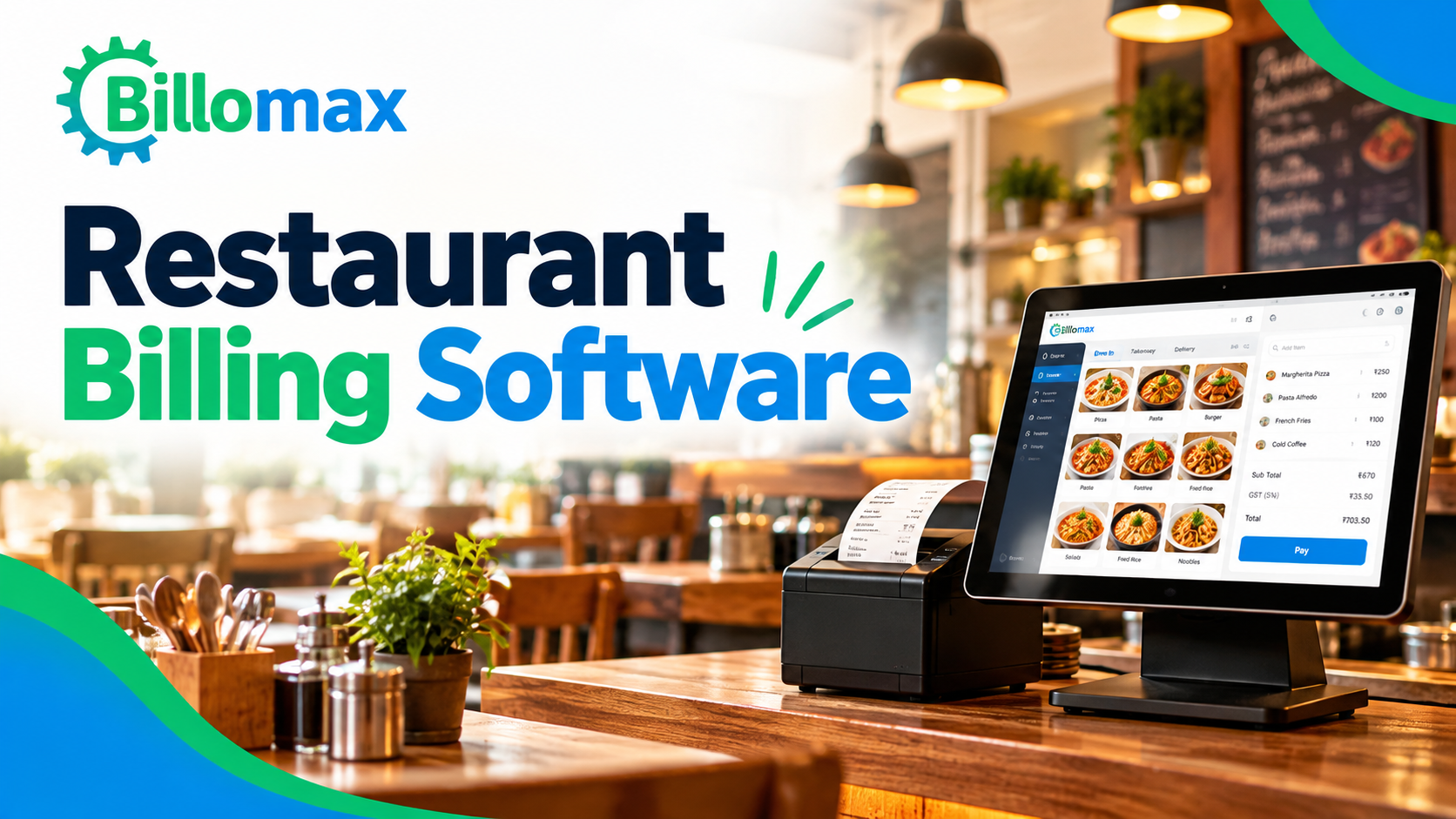
Restaurant Billing Software: A Buyer's Guide for Indian Restaurants
Short answer: Restaurant billing software is a POS system that handles table billing, KOT, GST and stock in one place. Judge it on six checks: GST accuracy, KOT flow, split billing, online orders, reports and plan price, with Billomax starting at ₹0.
Restaurant billing software is a POS system that handles table billing, KOT, GST and stock in one place. Judge it on six checks: GST accuracy, KOT flow, split billing, online orders, reports and plan price, with Billomax starting at ₹0.
Picking the right system is easier when you know what to test. This guide gives you a short checklist, the GST basics, and a way to size a plan by daily bills. It builds on our earlier post on the 7 restaurant billing features that matter. Ready to try it? Start a free trial.
Key Facts
- Price: Starter plan ₹0; paid Billomax plans start at ₹5,000
- Duration: About one week to set up one outlet
- Areas covered: Restaurants across India, with GST-ready billing
- GST on standalone restaurants: 5% with no input tax credit
- Core features: Table billing, KOT, split billing, waiter app, online orders
What Should You Look for in Restaurant Billing Software?
Look for six things. Each one removes a daily headache for your floor staff and your accountant.
| Check | What to test | Why it matters |
|---|---|---|
| GST accuracy | Taxes apply on every bill with no manual edits | Fewer filing errors and disputes |
| KOT flow | Orders reach the kitchen the moment the waiter sends them | Fewer lost or repeated dishes |
| Split billing | Big tables split by item, seat or amount in seconds | Faster payment at busy tables |
| Online orders | Swiggy and Zomato orders land in the same system | One set of sales reports |
| Reports | Sales, item trends and expenses show without Excel work | Quicker daily decisions |
| Price | The plan matches your real bill count, not a guess | No paying for unused capacity |
How Does a Billing System Handle GST in India?
It applies the right tax to each bill and keeps a clean record for filing. Restaurant billing software India owners use should cover GST billing for restaurants end to end.
These are the common GST rates for restaurant services:
| Type of outlet | GST rate | Input tax credit |
|---|---|---|
| Standalone restaurant, eating joint or canteen | 5% | Not allowed |
| Takeaway and direct delivery | 5% | Not allowed |
| Cloud kitchen | 5% | Not allowed |
| Composition scheme (turnover up to ₹1.5 crore) | 5% of turnover | Not allowed |
| Restaurant in a hotel with a high room tariff | 18% | Allowed |
| Outdoor catering | 18% | Allowed |
The hotel rate applies only when room tariffs cross the set limit, so check the exact rule. Confirm your own case with your chartered accountant. Our GST and cloud accounting guide explains the wider picture.
Which Features Save the Most Time on a Busy Night?
Four features save the most time on a busy night. Good restaurant POS software puts them on one screen.
| Feature | What it does | Benefit on a busy night |
|---|---|---|
| KOT system | Sends a clear ticket to the kitchen | Fewer lost or repeated orders |
| Table-wise billing | Staff add items to a table and print the bill when guests ask | Faster table turns |
| Split billing | Splits a nine-person table into separate payments | No calculator needed |
| Waiter order app | Staff take orders at the table | No trip to the counter |
Billomax also supports thermal and A4 printing, menu and recipe management, and more than 50 reports. Billing counters can run in parallel for multi-counter outlets.
What Is the Difference Between a Basic Billing App and Full Restaurant POS Software?
A basic billing app prints bills. A full restaurant POS runs the whole service, from table to kitchen to report.
| Basic billing app | Full restaurant POS software | |
|---|---|---|
| Table-wise billing | Rarely | Yes |
| KOT to kitchen | No | Yes |
| Split billing | Manual | Built in |
| Swiggy and Zomato integration | No | Yes |
| Stock and recipe tracking | Limited | Yes |
| Best for | A single counter with simple menus | Dine-in, takeaway and delivery together |
How Do You Pick a Plan by Daily Bills?
Multiply your average daily bills by 30, then pick the plan with a higher invoice limit. This is the fastest way to avoid paying for capacity you will never use.
| Daily bills | Monthly invoices | Billomax plan that fits |
|---|---|---|
| Up to 3 | About 100 | Starter, ₹0 |
| 60 | 1,800 | Basic, ₹5,000 a month |
| 150 | 4,500 | Standard, ₹10,000 a month |
| 300 | 9,000 | Professional, ₹15,000 a month |
| 300 and above, many outlets | Unlimited | Premium, ₹25,000 a month |
Plan limits also cover locations and users. Check the live Billomax pricing before you decide, since plans can change.
How Do You Test Restaurant Billing Software Before You Buy?
Run a one-week trial with real orders. A demo screen hides problems that a busy Friday will expose.
| Step | What to do | What a pass looks like |
|---|---|---|
| 1. Load the menu | Add your top 30 dishes with prices and taxes | Every dish shows the right price and tax |
| 2. Print a bill | Print a test bill on your own thermal printer | The bill fits the paper and shows GST |
| 3. Test the KOT | Send ten dummy orders to the kitchen | Tickets appear in the kitchen at once |
| 4. Split and void | Split one bill three ways and void one item | Totals still add up |
| 5. Online orders | Place a test Swiggy or Zomato order if you use them | The order appears with other sales |
| 6. Train staff | Train one waiter and one manager | They finish an order without help |
If all six pass, you can go live with confidence. Have questions first? Book a demo with the Billomax team. Our guide to Billomax for every business shows how the same platform serves other shops.
Areas we cover around Bangalore
- Kumarswamy Layout
- Whitefield
- Electronic city
- Bangalore
- Karnataka
Comments (0)
Be the first to share your thoughts on this post.